







Enterprise Laptops, Desktops, and Workstations for UAE Businesses: A Complete Procurement Guide
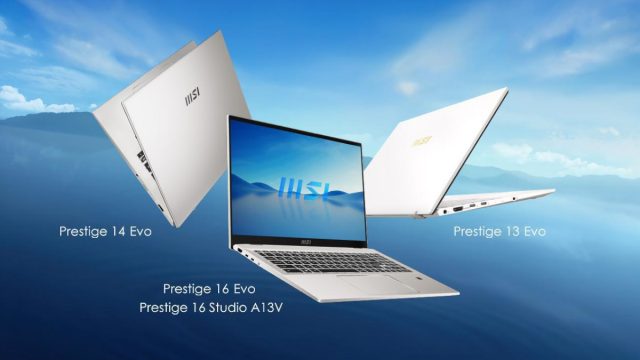
VertiLinks Technologies supplies business-grade laptops, desktop computers, and professional workstations from Dell, HP, Lenovo, ASUS, Apple, Microsoft Surface, Acer, and MSI for corporate deployments across Dubai, Abu Dhabi, Sharjah, and the GCC. We operate as an authorised reseller for all brands we supply, with devices sourced through official distribution channels with full regional manufacturer warranty and localised support. Our enterprise computing practice covers everything from individual device procurement to managed bulk rollouts of 1,000+ devices with pre-imaging, asset tagging, and phased delivery scheduling.
Computing hardware selection in an enterprise context is a multi-dimensional decision that goes beyond processor speed and storage capacity. Lifecycle management, manageability infrastructure (Intel vPro, AMD PRO, Apple Business Manager), security features (hardware TPM 2.0, Secure Boot, BitLocker/FileVault compatibility), operating system strategy (Windows 11 Pro, macOS, ChromeOS), warranty service levels, and total cost of ownership over a 3–5 year asset lifecycle all influence the right procurement decision for each organisation. VertiLinks provides structured consulting support for IT managers making these decisions, drawing on our experience deploying computing environments across the UAE's diverse industry sectors.
Business Laptop Categories: Matching Users to the Right Device
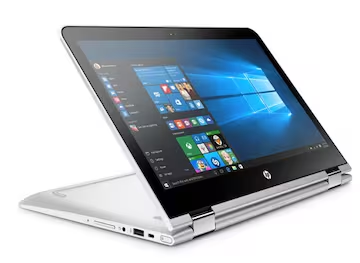
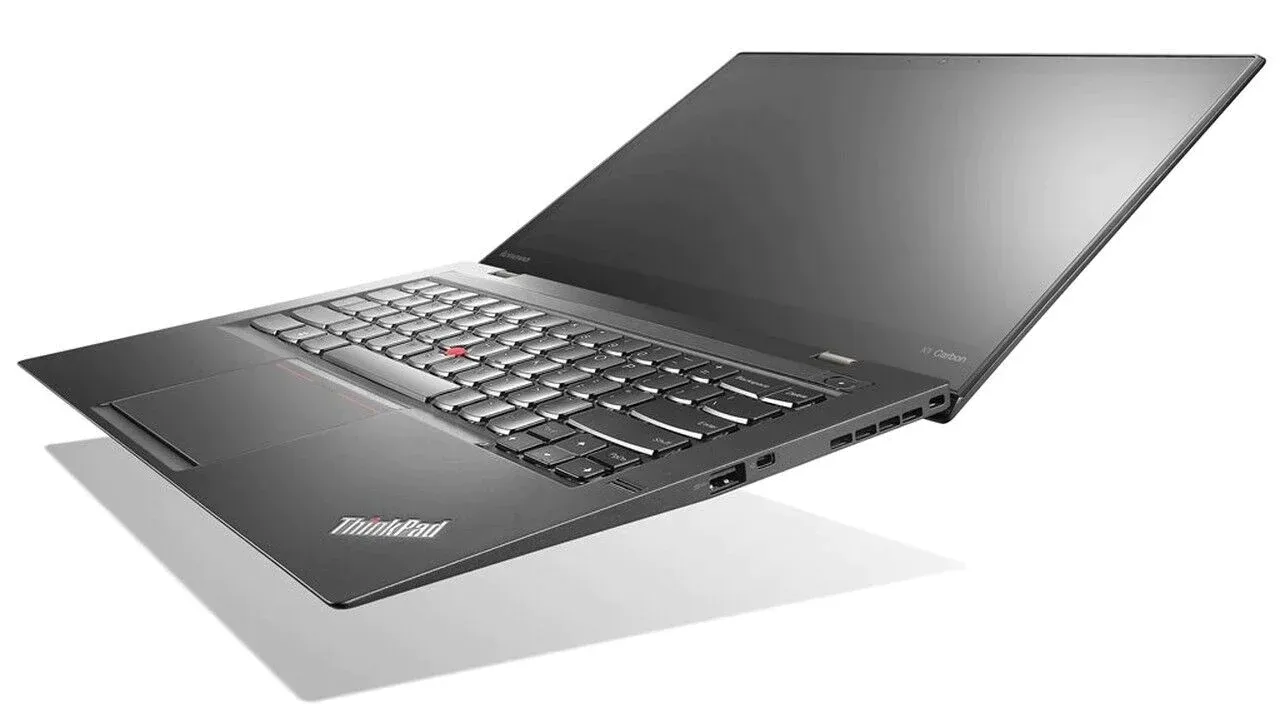
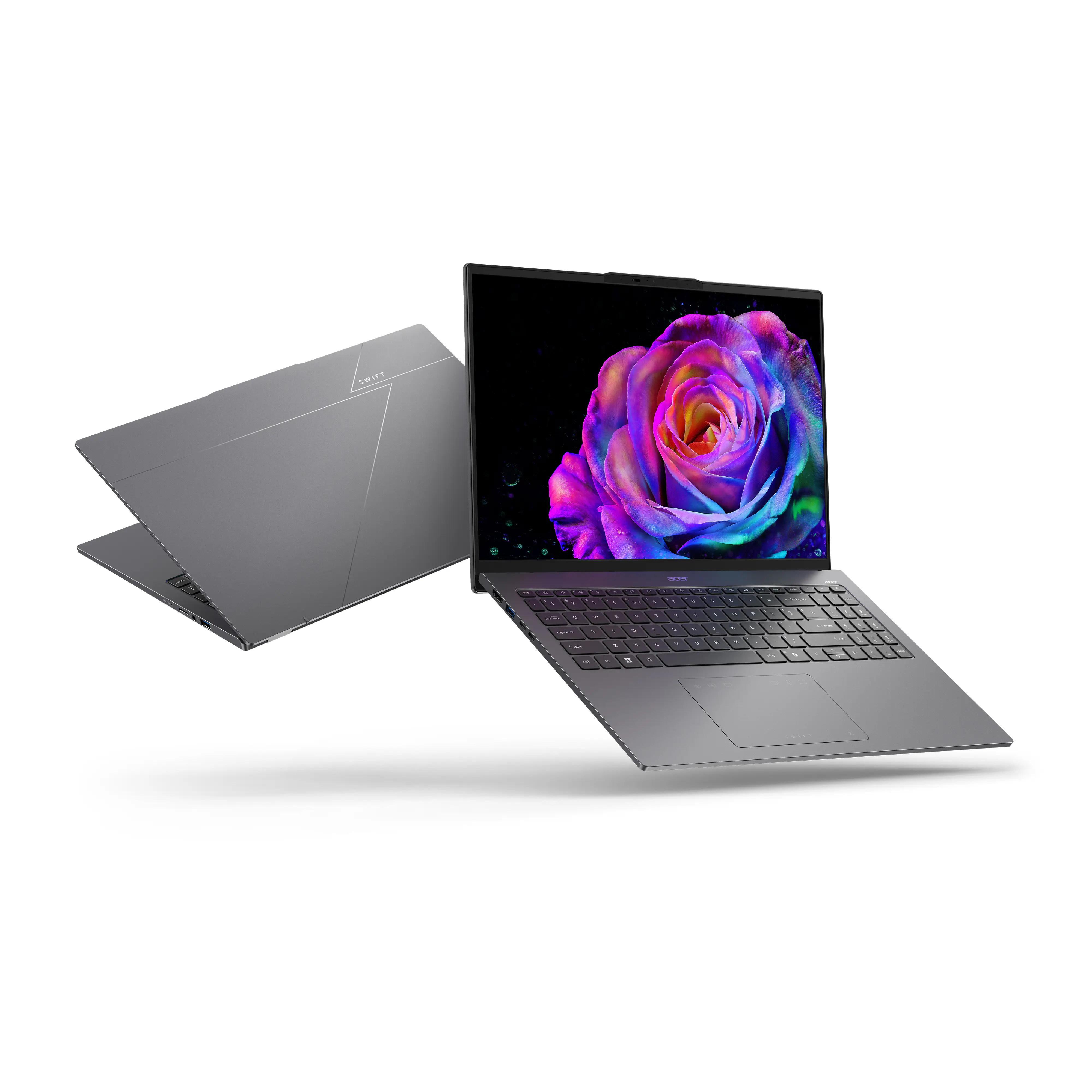
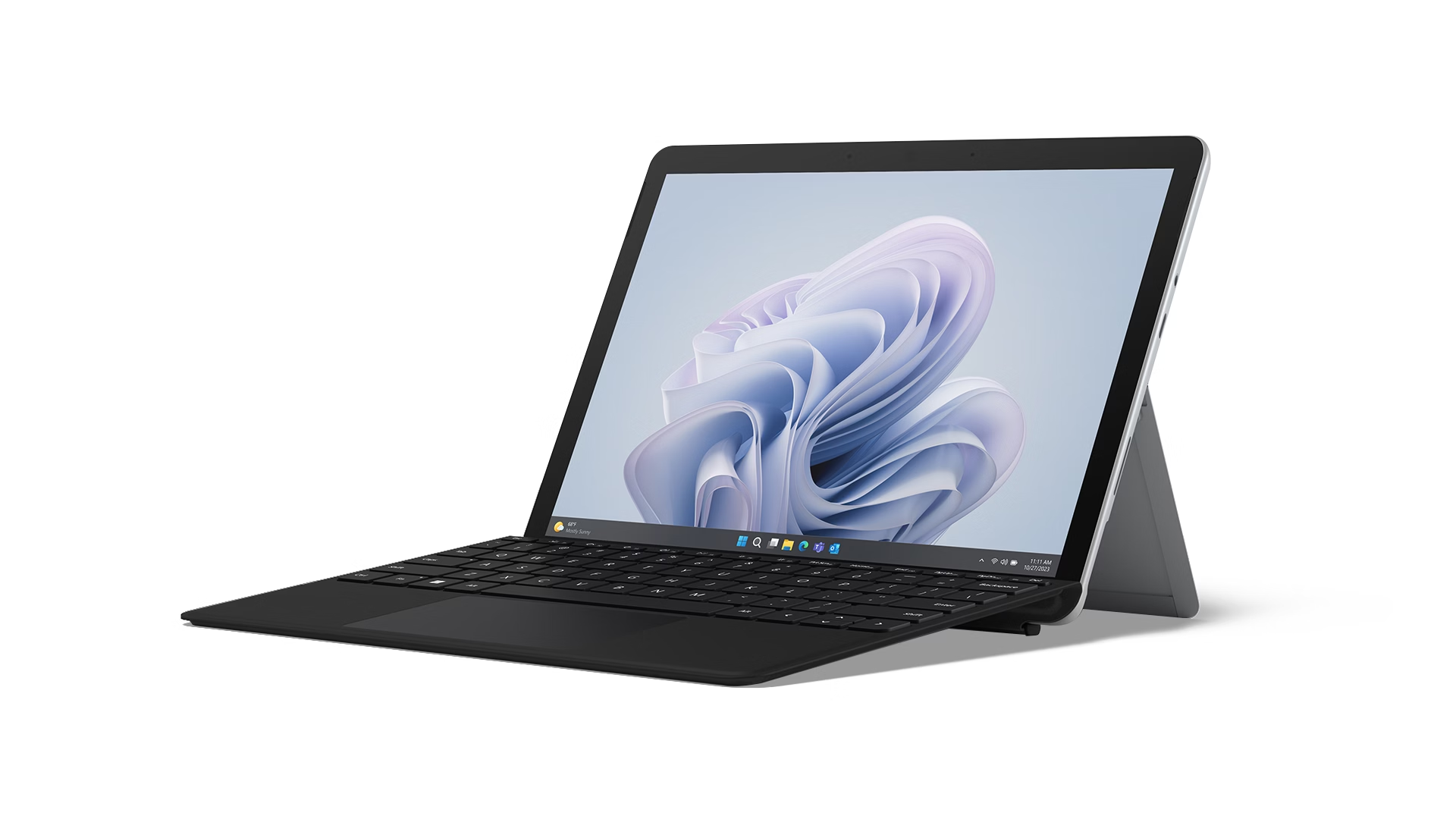
The Lenovo ThinkPad, Dell Latitude, and HP EliteBook series are the workhorses of enterprise computing globally, and for good reason. These series are engineered specifically for business use, with design priorities that differ fundamentally from consumer laptops. Military-grade durability testing (MIL-SPEC 810H) validates resistance to vibration, humidity, temperature extremes, and altitude relevant to business travel. Intel vPro platform compatibility enables IT departments to remotely access and manage devices at the hardware level — even below the OS — using Intel AMT, enabling remote BIOS updates, remote device recovery, and hardware-level security enforcement that survives OS corruption or ransomware attack. Full-day battery life (12+ hours real-world), keyboard quality optimised for all-day typing, and ergonomic displays with low-glare matte finishes reflect the reality that productivity laptop users spend 8+ hours per day interacting directly with their device.
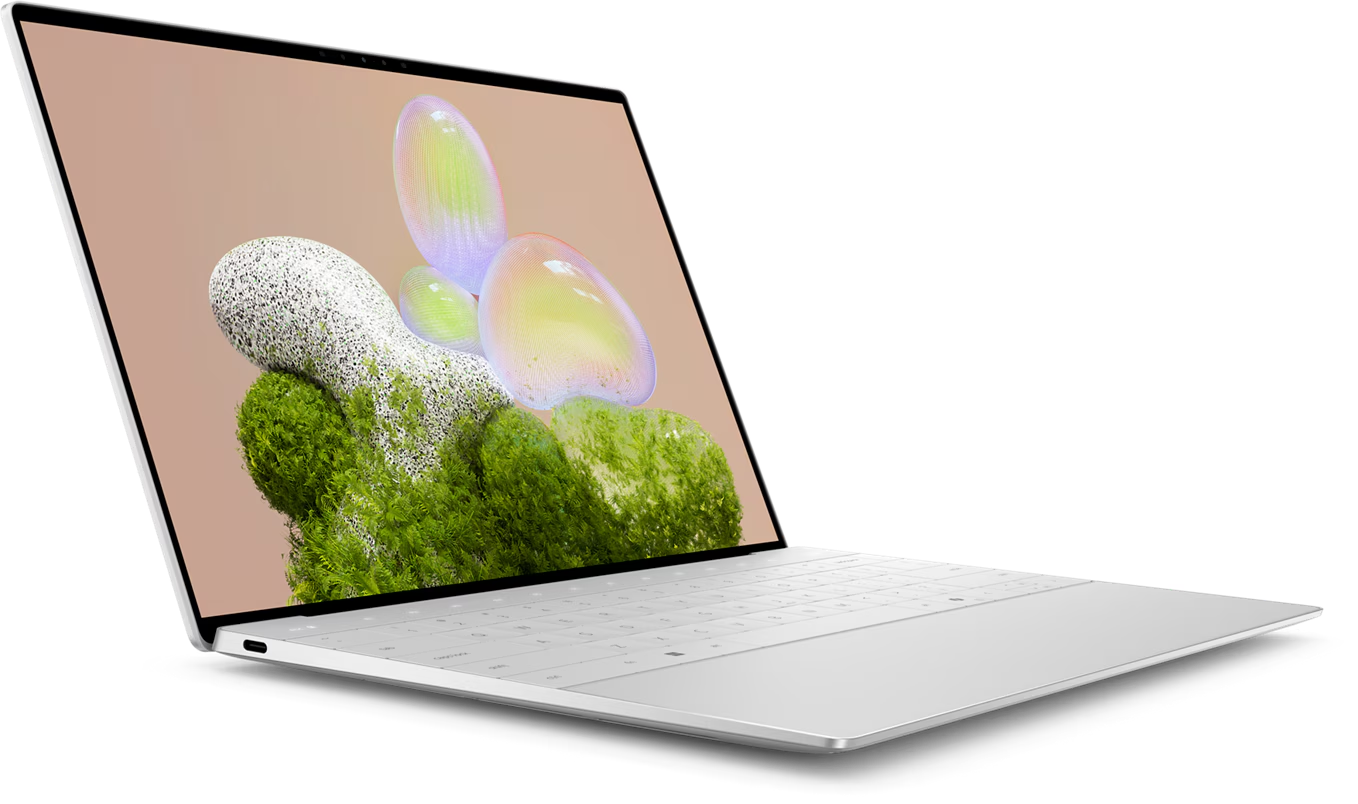
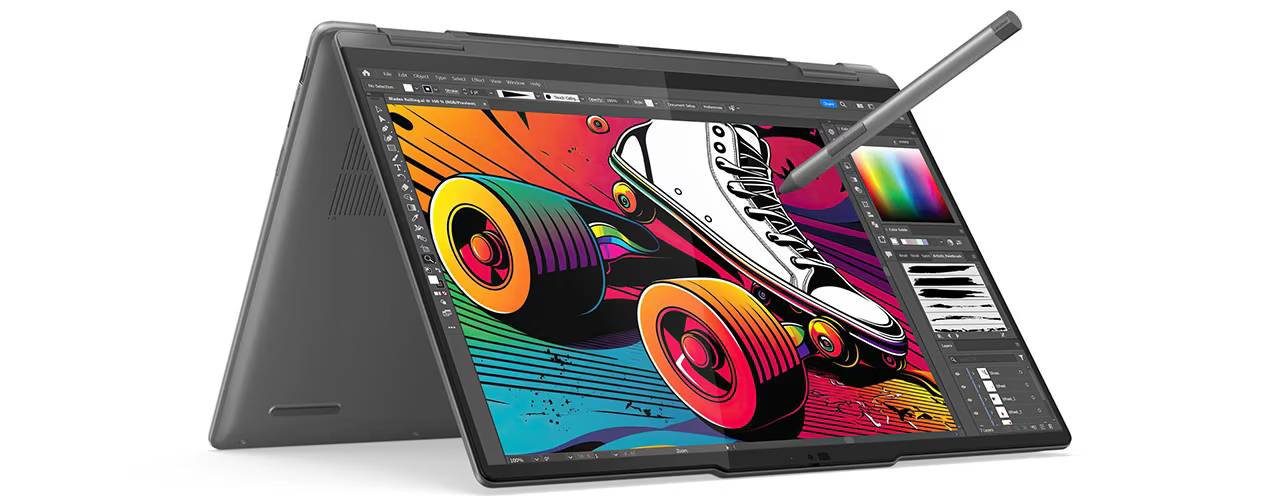
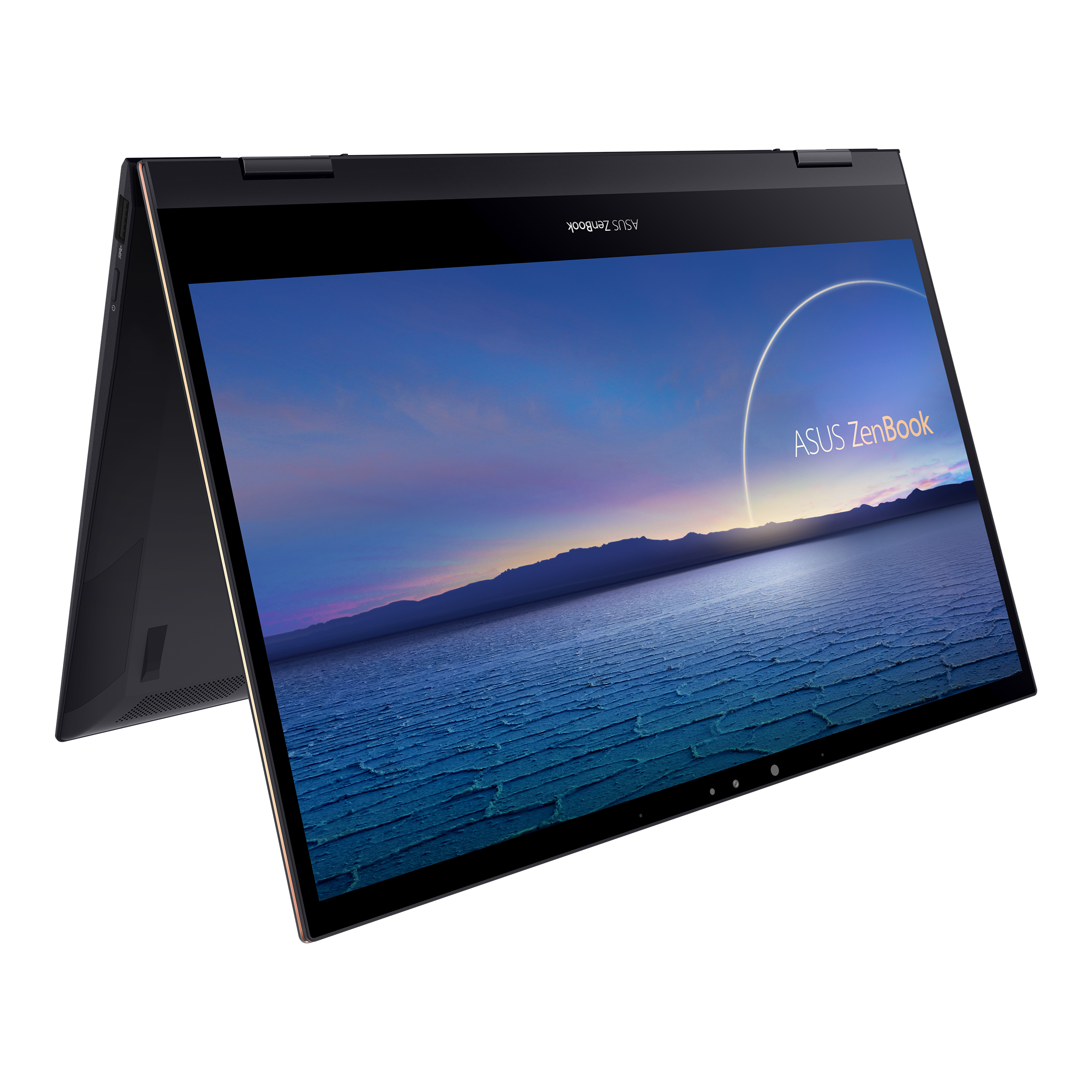
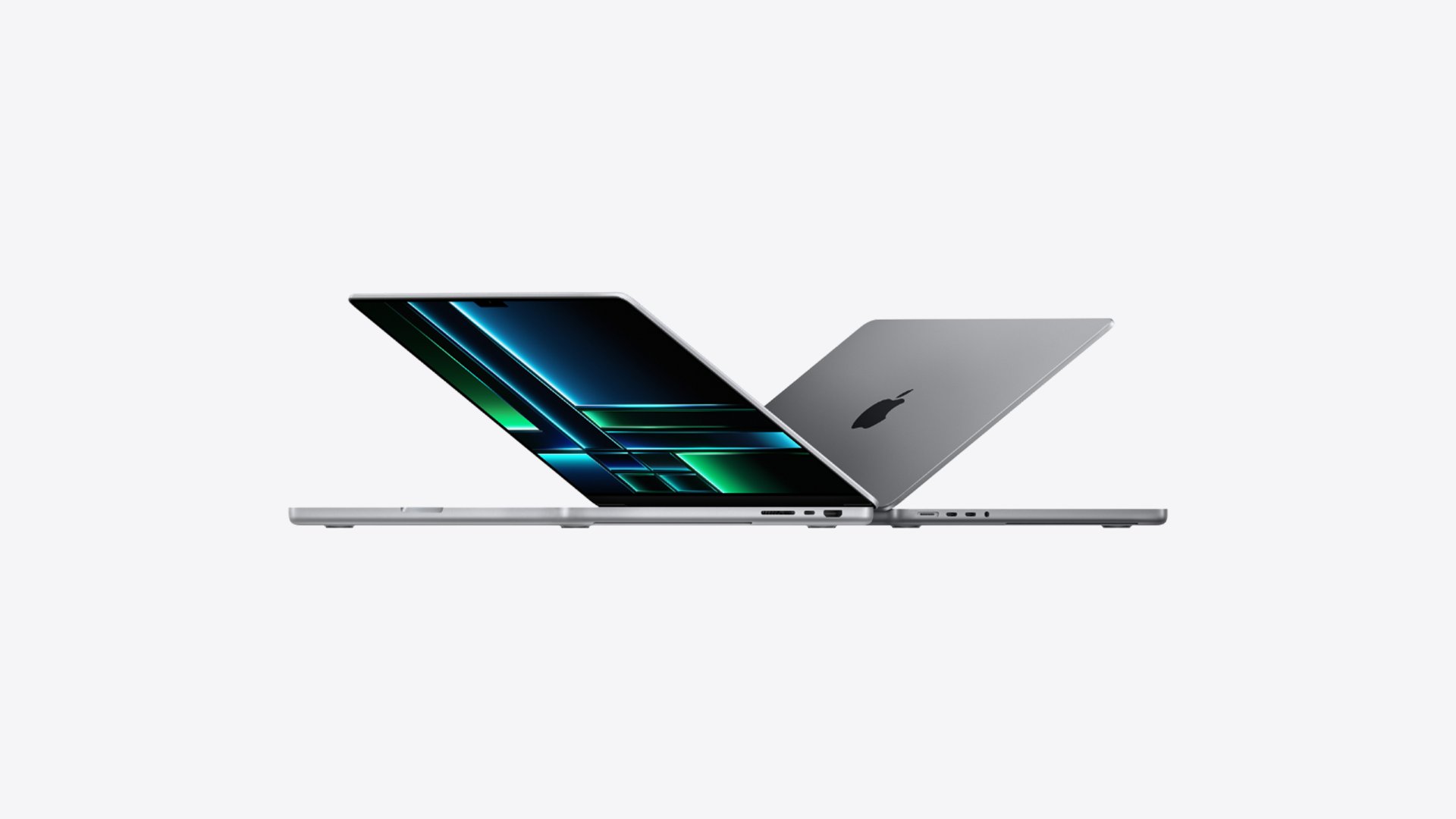
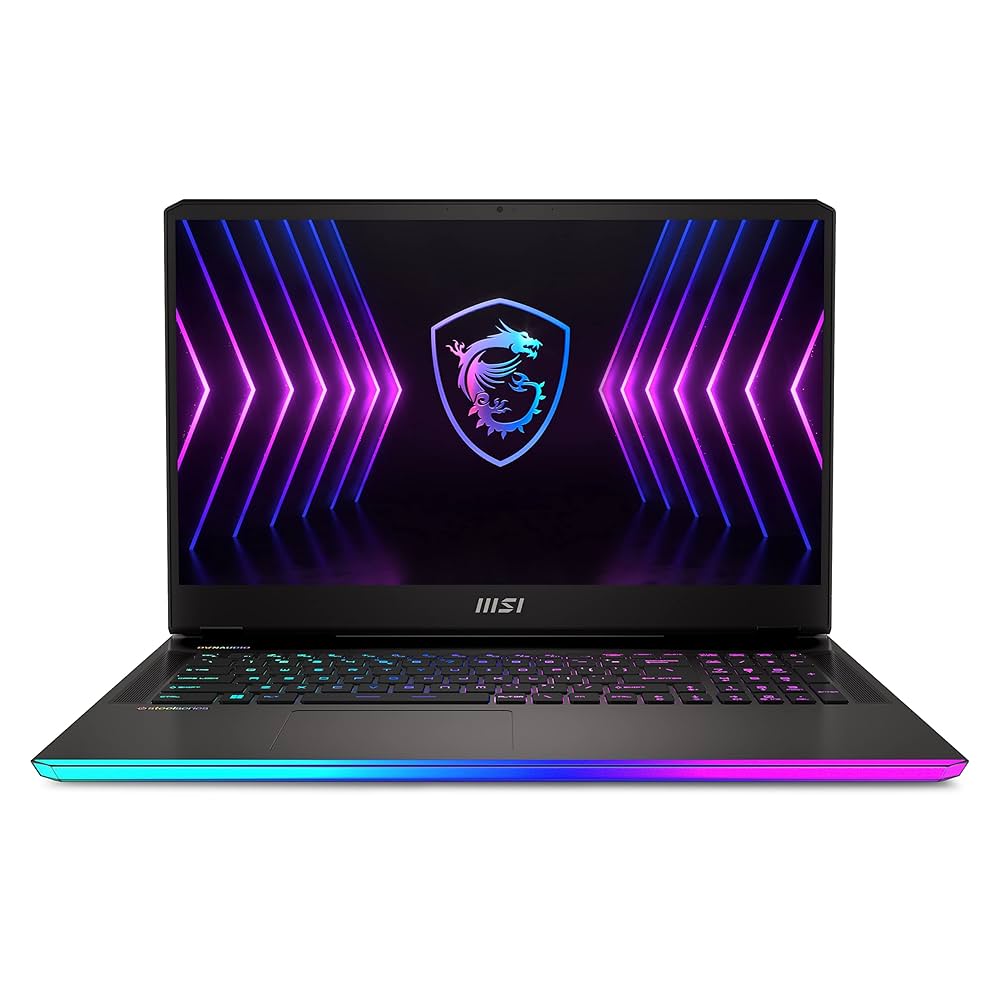
Creative professionals — graphic designers, architects, video editors, 3D visualisation artists, and motion graphics specialists — have computing requirements that consumer-grade and even standard business laptops cannot satisfy. Colour-accurate displays are the foundational requirement: a display calibrated to 100% DCI-P3 or Adobe RGB colour space with Delta-E < 2 ensures that colours created in Adobe Creative Cloud, Autodesk, or Cinema 4D are represented accurately on screen and translate correctly to print or broadcast. The Apple MacBook Pro M4 Pro/Max delivers this through its Liquid Retina XDR display, and additionally benefits from the M4 chip's unified memory architecture that provides GPU performance previously requiring a discrete graphics card while maintaining 10–18 hour battery life. The Dell XPS 15 and ASUS ProArt Studiobook 16 provide Windows alternatives with NVIDIA RTX discrete graphics for applications requiring CUDA acceleration.
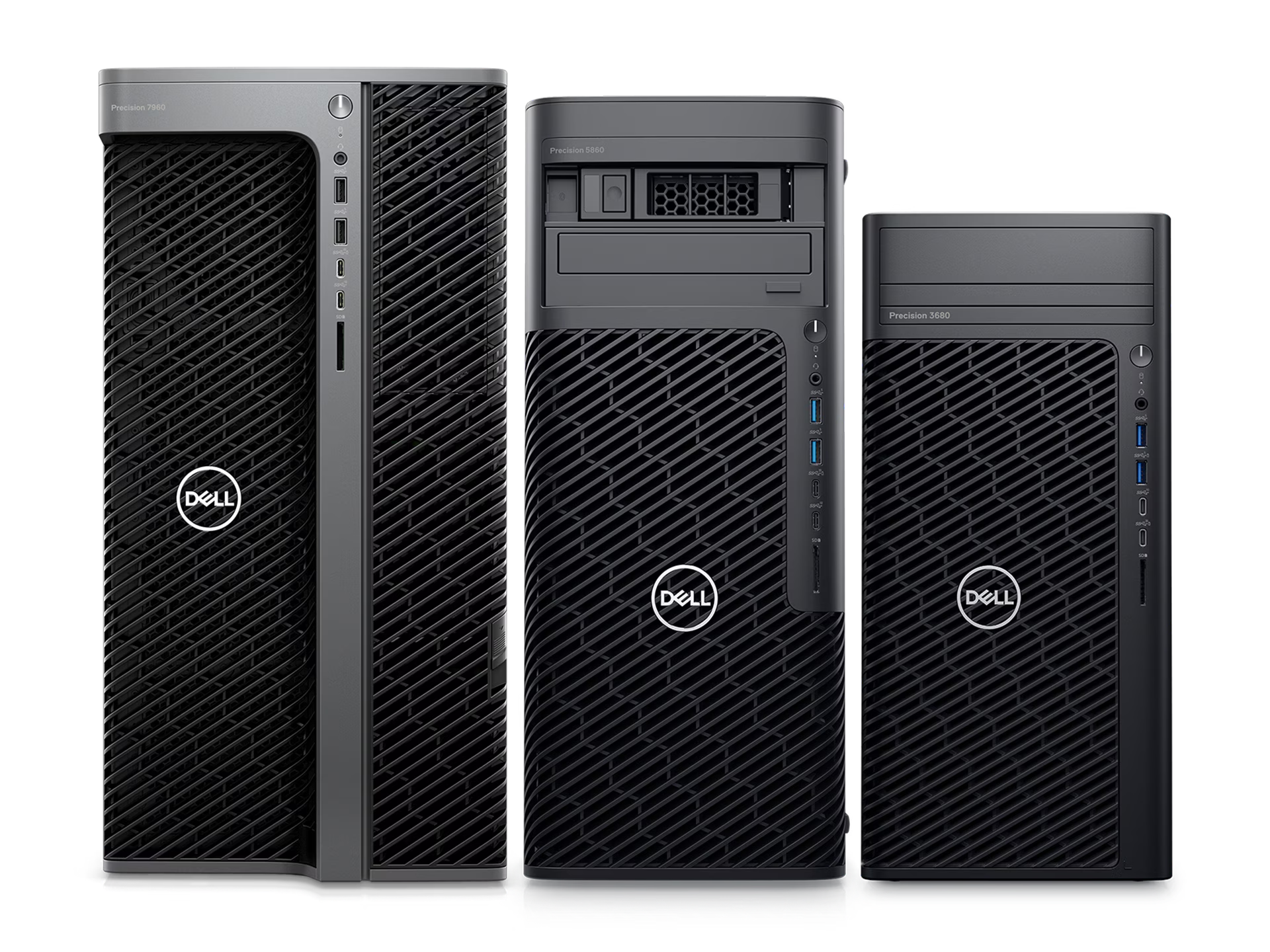
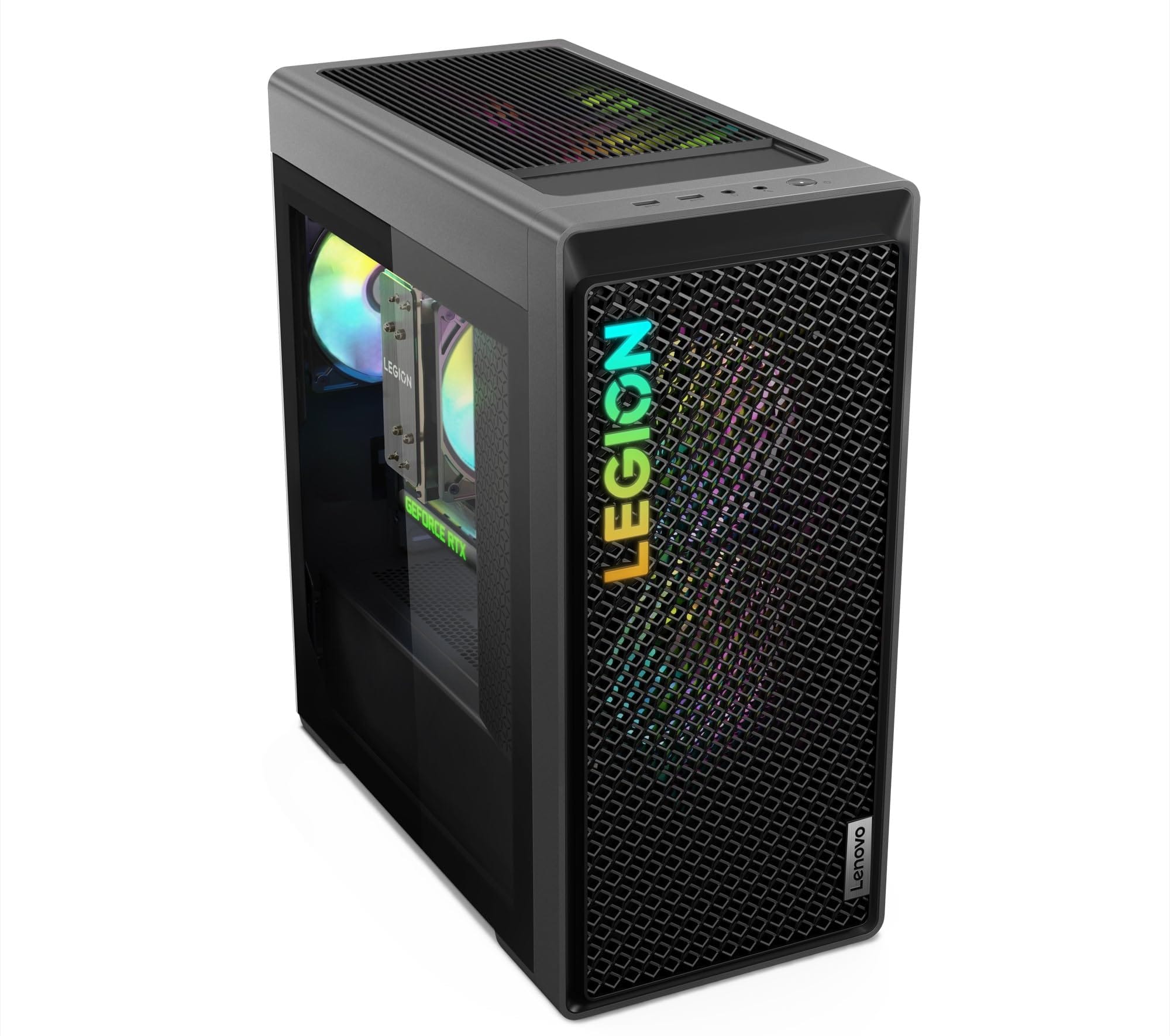
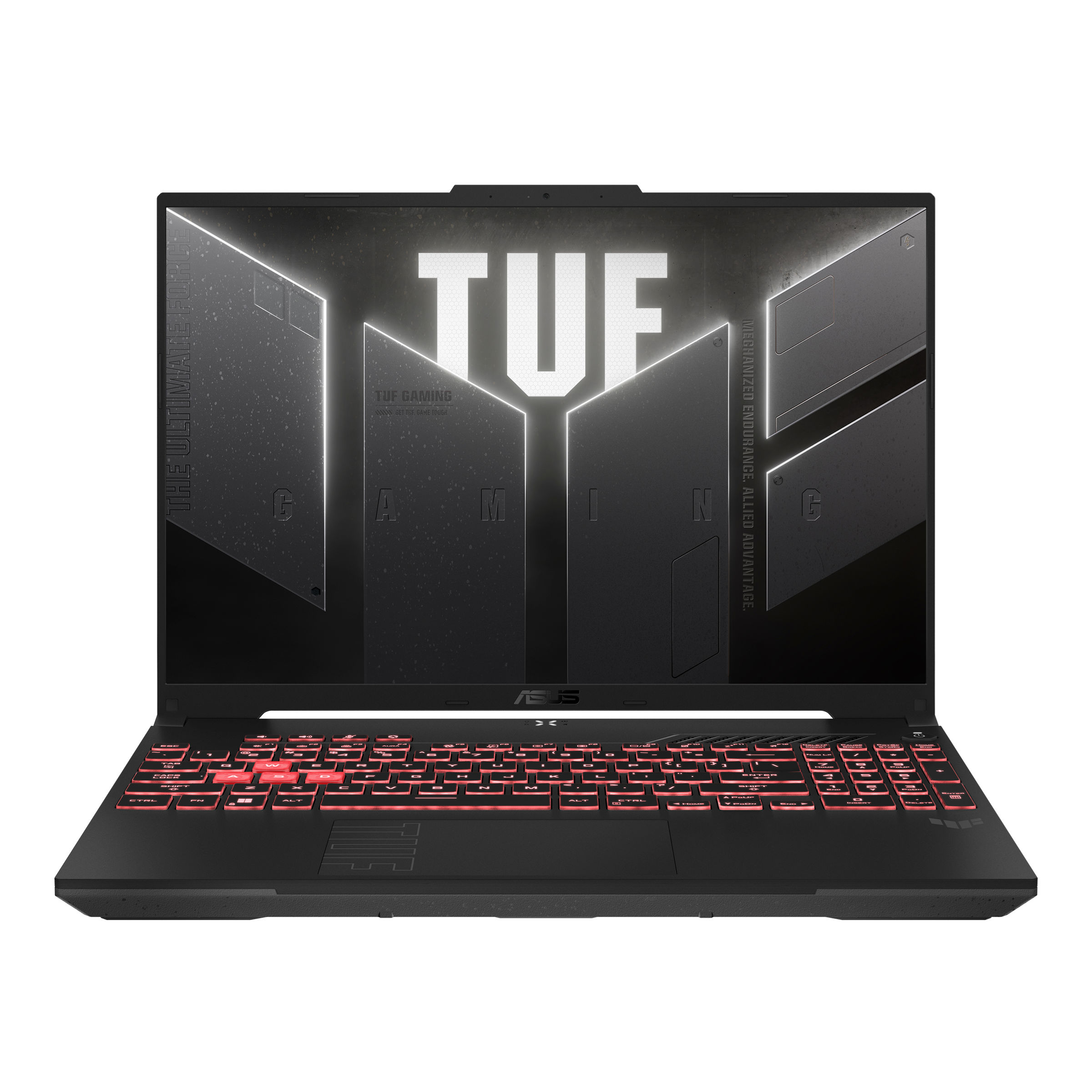
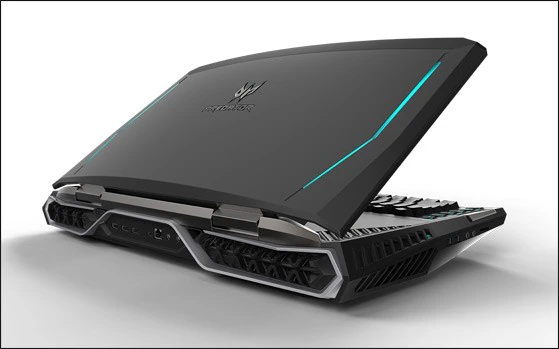
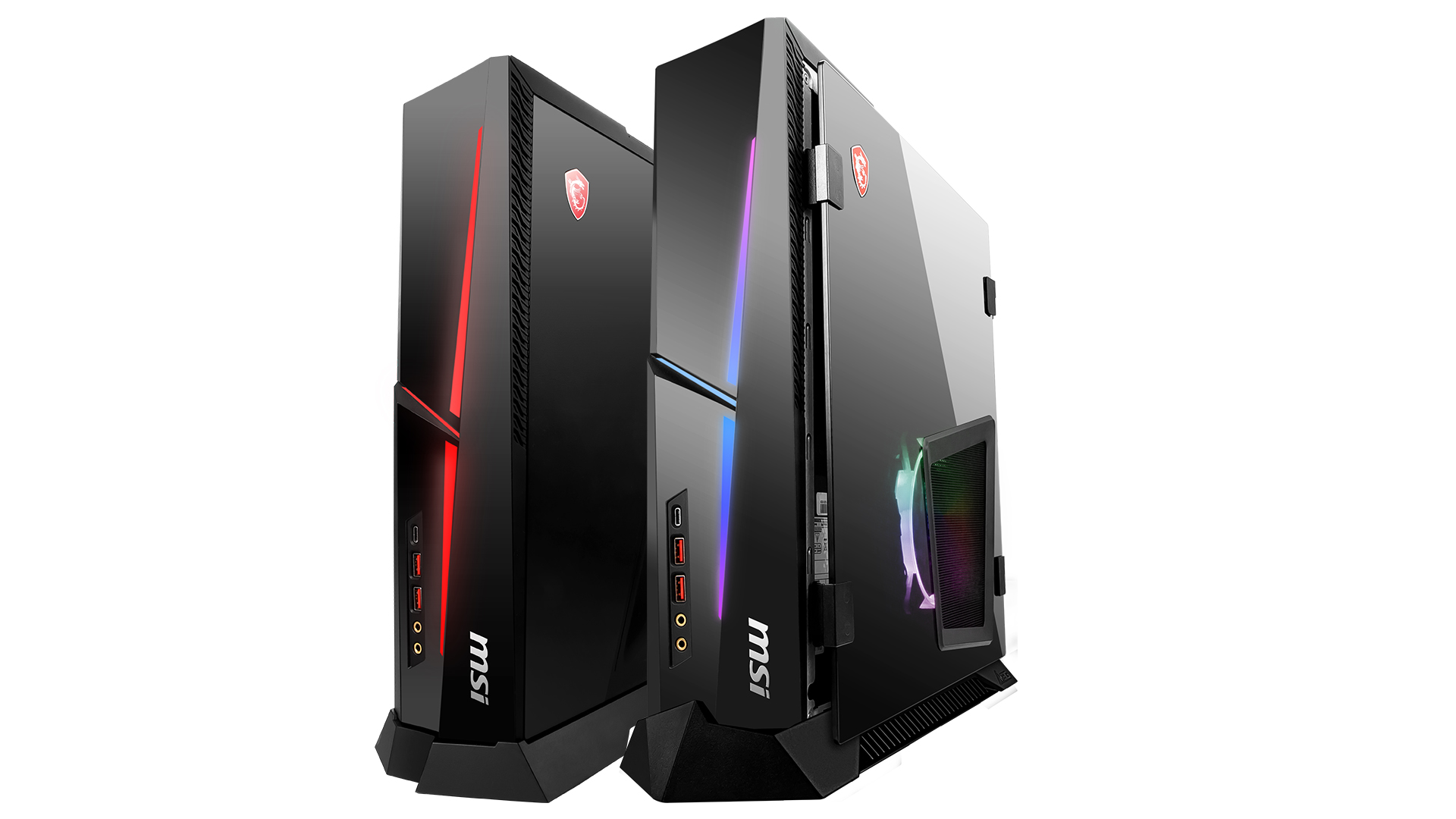
Software development, data science, financial modelling, and engineering simulation workloads require high core counts, large RAM capacity (32–128 GB), fast NVMe storage for large datasets, and in many cases discrete GPU acceleration for machine learning training or GPU-accelerated rendering. The Lenovo ThinkPad P series, Dell Precision workstation laptops, and HP ZBook series are designed for these workloads, with ISV certifications from Autodesk, PTC, Siemens, and other engineering software vendors validating driver stability and rendering accuracy. For fixed workstation deployments, the Dell Precision Tower and HP Z-series workstations offer tool-less chassis for easy hardware upgrades, redundant power supply options, and ECC memory for applications where memory error correction is critical.
Desktop Computers: Tower, Mini, and All-in-One Configurations
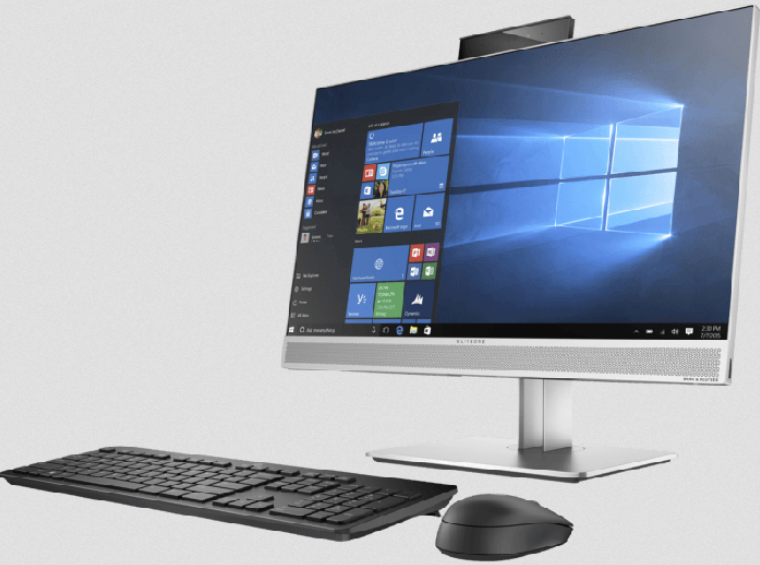
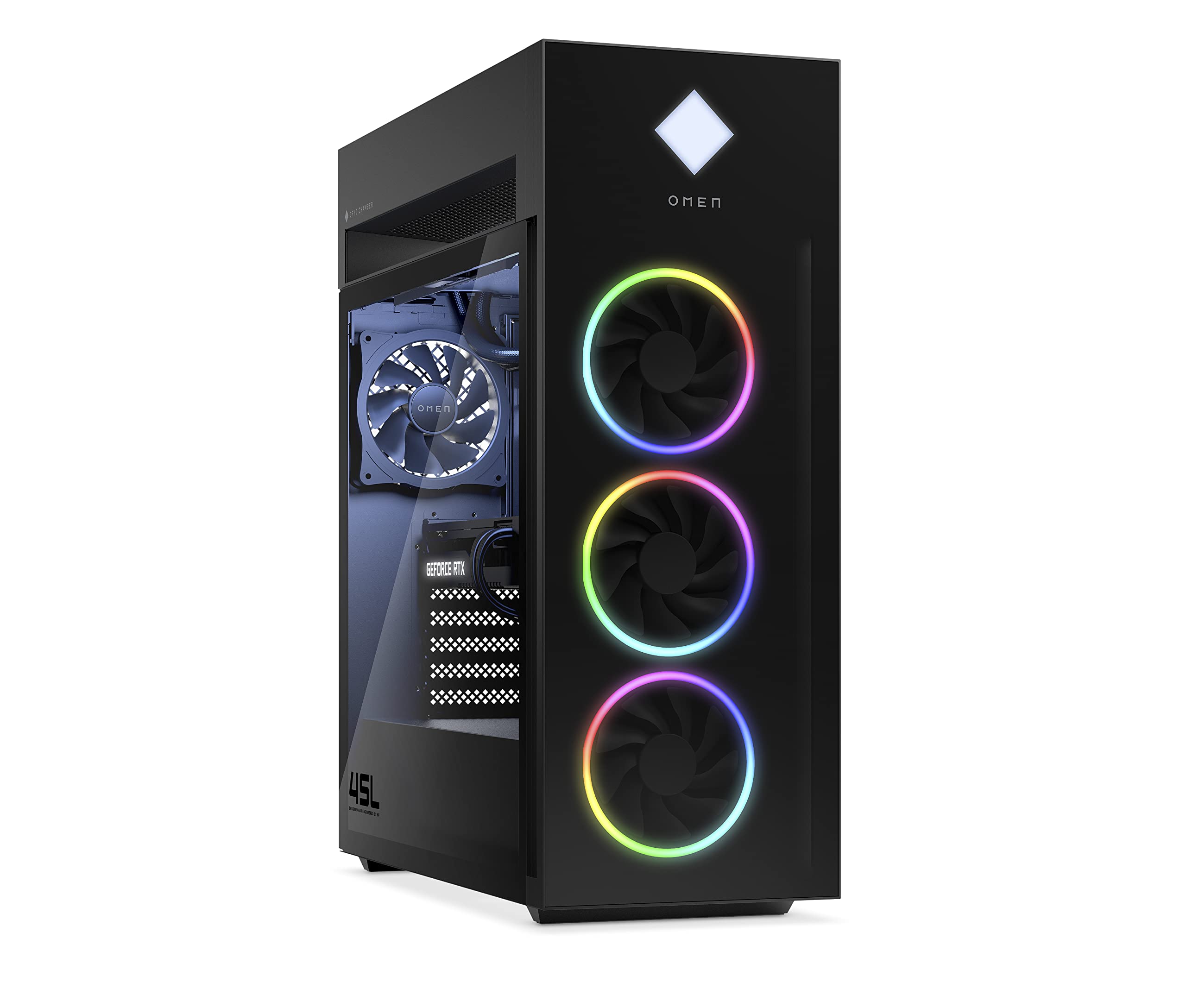
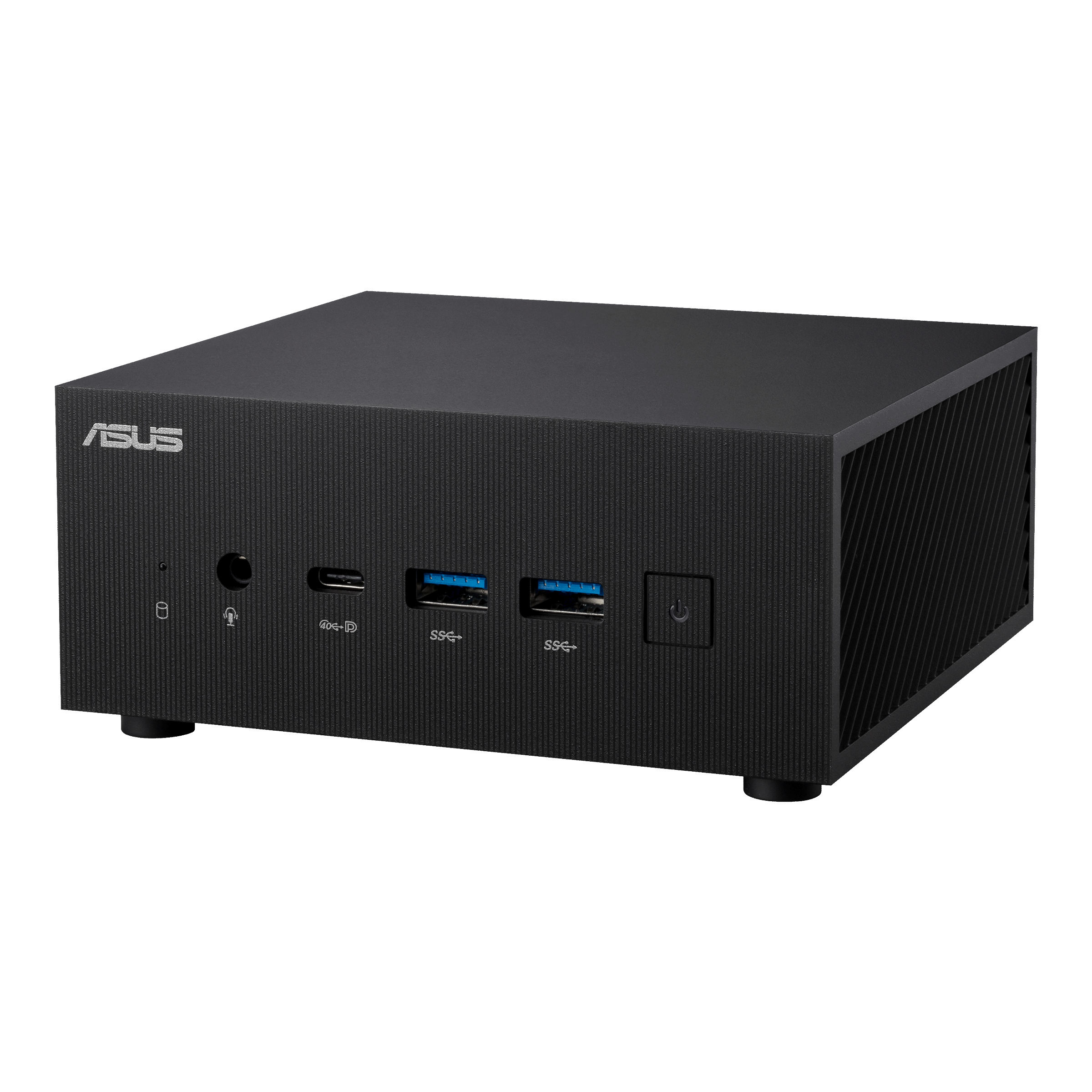
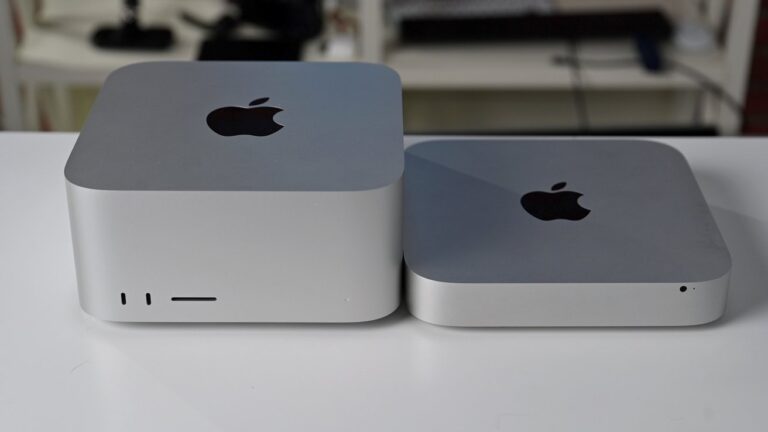
Desktop computers retain significant relevance in enterprise environments despite the trend toward laptop-first policies. Fixed workstations are appropriate for roles with multiple external monitors, specialised input devices (graphic tablets, physical keyboards for legal or medical dictation), or compute-intensive workloads where thermal constraints limit laptop performance. The Dell OptiPlex and HP EliteDesk series offer compact mini PC configurations (under 1 litre volume) that mount behind monitors, eliminating desktop clutter, while their full tower OptiPlex/EliteDesk counterparts accommodate up to four storage drives, dual-slot GPU cards, and full ATX power supplies for maximum expandability.
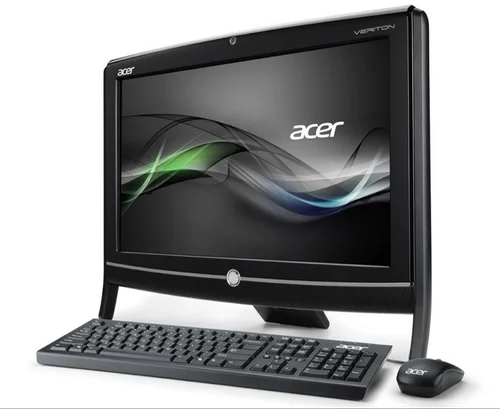
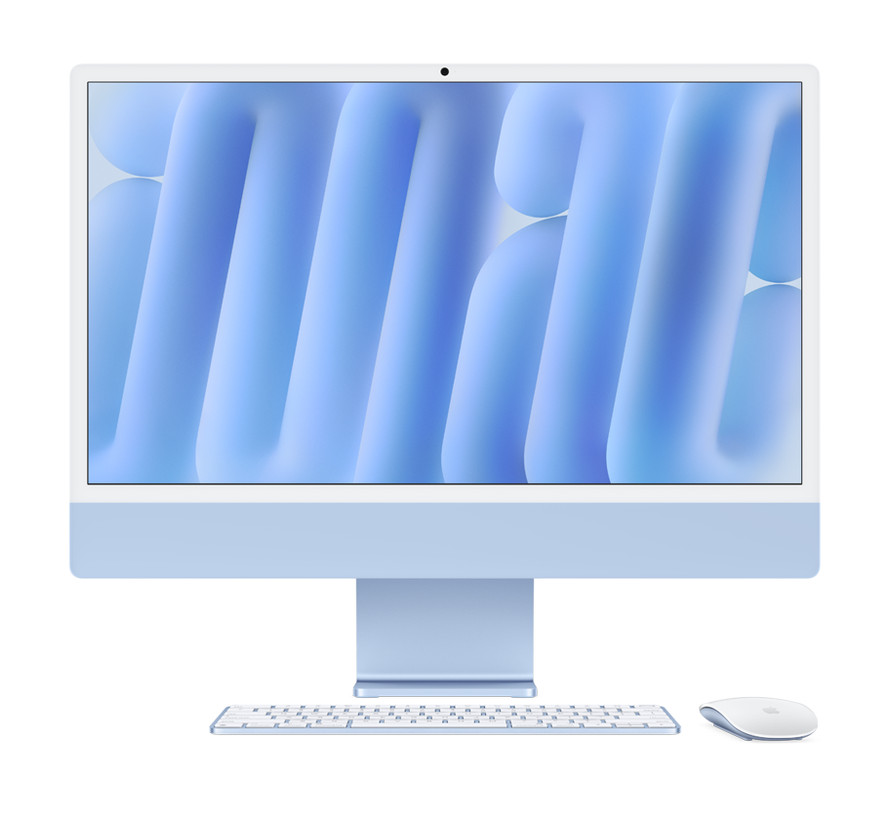
All-in-one (AIO) desktops integrate the computer into the monitor chassis, eliminating tower and cable clutter entirely. The Apple iMac and Dell OptiPlex AIO are deployed extensively in reception areas, retail point-of-sale positions, and design studios where aesthetics matter as much as function. Educational institutions frequently specify AIO deployments for computer labs, as the reduced cable count simplifies classroom cleaning, reduces the risk of damage from student interaction with exposed tower components, and allows rapid room reconfiguration.
Enterprise Deployment Services: Imaging, Asset Management, and MDM
Receiving 200 laptops from a manufacturer and distributing them to employees without any preparation is a recipe for extended desk-side IT support time, inconsistent security posture, and user frustration. VertiLinks offers comprehensive deployment preparation services that transform this scenario: we pre-image all devices with your standard OS image (Windows 11 Pro, macOS, or custom OEM image), pre-install approved application packages, apply security policies (BitLocker encryption, Windows Defender configuration, endpoint protection agent), domain-join devices where required, configure MDM enrollment (Microsoft Intune, Jamf, or SOTI), and apply asset tags and serial number records to your ITAM system before devices leave our facility. This pre-staging process reduces end-user setup time from 2–4 hours per device to under 10 minutes — a saving of 300+ IT support hours on a 200-device rollout.