
Microsoft Surface Hub & Studio
Microsoft Surface Hub & Studio combines collaboration displays and creative desktop systems for hybrid teams. Configured and supported for Illinois, Indiana, Wisconsin, Michigan, Minnesota, Tennessee, Kentucky, Ohio, Pennsylvania, and New York in the USA.
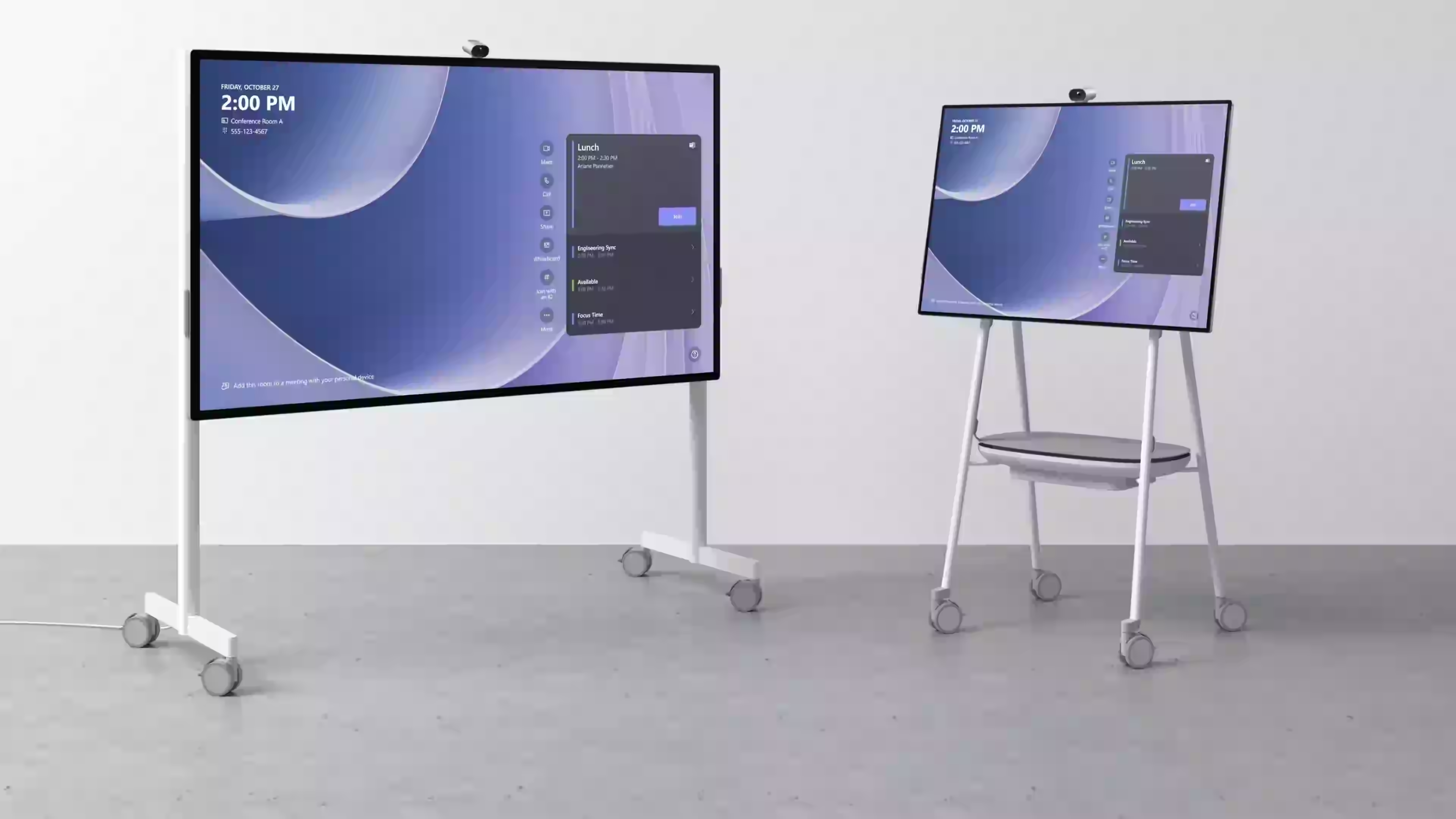
Microsoft Surface Hub & Studio combines collaboration displays and creative desktop systems for hybrid teams.
Brand
- 50" Surface Hub for team collaboration
- 28" Surface Studio for creative work
- 4K AI-powered camera for Teams
- Whiteboard and inking built-in
- Teams Rooms certified
Standards & Certifications
Interested in Microsoft Surface Hub & Studio?
Request a quote or schedule a product demo with our team across the UAE.
Applications
Who Uses the Microsoft Surface Hub & Studio in the USA?
The Microsoft Surface Hub & Studio from Microsoft serves organisations across Illinois, Indiana, Wisconsin, and beyond.
Executive & Management
Microsoft Surface Hub & Studio from Microsoft supports executive & management deployments — Ultrabooks and MacBooks for C-suite and management users requiring portability, performance, and premium build quality.
Creative & Design
Microsoft Surface Hub & Studio from Microsoft supports creative & design deployments — High-res display workstations and GPU-equipped laptops for architects, video editors, and graphic designers.
Engineering & Development
Microsoft Surface Hub & Studio from Microsoft supports engineering & development deployments — Multi-core workstations with high RAM for software developers, data scientists, and CAD engineers.
Call Centre & Front Office
Microsoft Surface Hub & Studio from Microsoft supports call centre & front office deployments — Thin client and compact desktop deployments for standardised, cost-effective high-volume rollouts.
Microsoft Surface Hub & Studio: Microsoft Laptops & Desktops for Illinois, Indiana, Wisconsin, Michigan, Minnesota, Tennessee, Kentucky, Ohio, Pennsylvania, and New York Enterprises
VertiLinks Technologies supplies and deploys the Microsoft Surface Hub & Studio across Illinois, Indiana, Wisconsin, Michigan, Minnesota, Tennessee, Kentucky, Ohio, Pennsylvania, and New York. Microsoft Surface Hub & Studio combines collaboration displays and creative desktop systems for hybrid teams. As an authorised Microsoft partner, we provide genuine hardware, professional installation, configuration, and Illinois, Indiana, Wisconsin, Michigan, Minnesota, Tennessee, Kentucky, Ohio, Pennsylvania, and New York-based technical support for organisations requiring dependable laptops & desktops infrastructure.
Key specifications for the Microsoft Surface Hub & Studio include Display: 50" / 28" PixelSense; Touch: Multi-touch + Pen; Camera: 4K AI-powered; OS: Windows 11. 50" Surface Hub for team collaboration. 28" Surface Studio for creative work. 4K AI-powered camera for Teams. Whiteboard and inking built-in. Teams Rooms certified. These capabilities make the Microsoft Surface Hub & Studio a practical choice for Illinois, Indiana, Wisconsin, Michigan, Minnesota, Tennessee, Kentucky, Ohio, Pennsylvania, and New York employers and facility managers who need accurate records, reduced administrative overhead, and hardware that integrates with existing HR, access control, and compliance workflows.
Why Illinois, Indiana, Wisconsin, Michigan, Minnesota, Tennessee, Kentucky, Ohio, Pennsylvania, and New York Organisations Choose Microsoft Surface Hub & Studio
Organisations across Illinois, Indiana, Wisconsin, Michigan, Minnesota, Tennessee, Kentucky, Ohio, Pennsylvania, and New York select the Microsoft Surface Hub & Studio when they require Microsoft-grade reliability without compromising on deployment speed or ongoing support. VertiLinks handles site surveys, cabling, network configuration, user enrolment, and handover documentation — ensuring the Microsoft Surface Hub & Studio is operational from day one and aligned with your site's shift patterns, reporting structure, and integration requirements.
Deploying Microsoft Surface Hub & Studio in the USA
Successful Microsoft Surface Hub & Studio deployment begins with mapping entry points, user volumes, and network connectivity. VertiLinks engineers assess power, data cabling, mounting locations, and environmental conditions before installation. The Microsoft Surface Hub & Studio is configured against your department structure, work schedules, and export requirements so attendance or access data flows directly into payroll, HRMS, or access control platforms used in the USA market.
Post-installation, our team provides operator training, administrator access, and optional annual maintenance contracts covering firmware updates, preventive servicing, and priority replacement. Whether you operate a single site in the USA or a multi-branch estate Illinois, Indiana, Wisconsin, Michigan, Minnesota, Tennessee, Kentucky, Ohio, Pennsylvania, and New York, the Microsoft Surface Hub & Studio scales through centralised management without per-device manual intervention.
Procurement, Warranty & Illinois, Indiana, Wisconsin, Michigan, Minnesota, Tennessee, Kentucky, Ohio, Pennsylvania, and New York Support for Microsoft Surface Hub & Studio
VertiLinks provides written quotations, genuine Microsoft warranty registration, and fast delivery Illinois, Indiana, Wisconsin, Michigan, Minnesota, Tennessee, Kentucky, Ohio, Pennsylvania, and New York for the Microsoft Surface Hub & Studio. Our technical desk supports configuration changes, troubleshooting, and expansion planning as your workforce grows. For enterprise rollouts, we coordinate phased delivery, staging, and acceptance testing so every Microsoft Surface Hub & Studio unit meets your specification before go-live.
Buyer's Guide
How to Specify the Microsoft Surface Hub & Studio
Follow these steps to ensure you specify the correct Microsoft Surface Hub & Studio for your UAE organisation's requirements.
Confirm Site Requirements
Document user count, mounting locations, network points, and environmental conditions for each Microsoft Surface Hub & Studio installation site.
Validate Specifications
Match Microsoft Surface Hub & Studio capacity and connectivity (Display: 50" / 28" PixelSense; Touch: Multi-touch + Pen; Camera: 4K AI-powered; OS: Windows 11) against your workforce size and integration targets.
Plan Integration
Identify payroll, HR, or access platforms that must receive data from Microsoft Surface Hub & Studio and confirm export/API compatibility.
Schedule Installation
Book VertiLinks site survey and installation window to minimise disruption during Microsoft Surface Hub & Studio rollout.
Arrange Training & Support
Plan administrator training and optional AMC so Microsoft Surface Hub & Studio stays maintained after deployment.
FAQ
Frequently Asked Questions
Common questions about the Microsoft Surface Hub & Studio from our UAE customers.
You May Also Like
Related Products
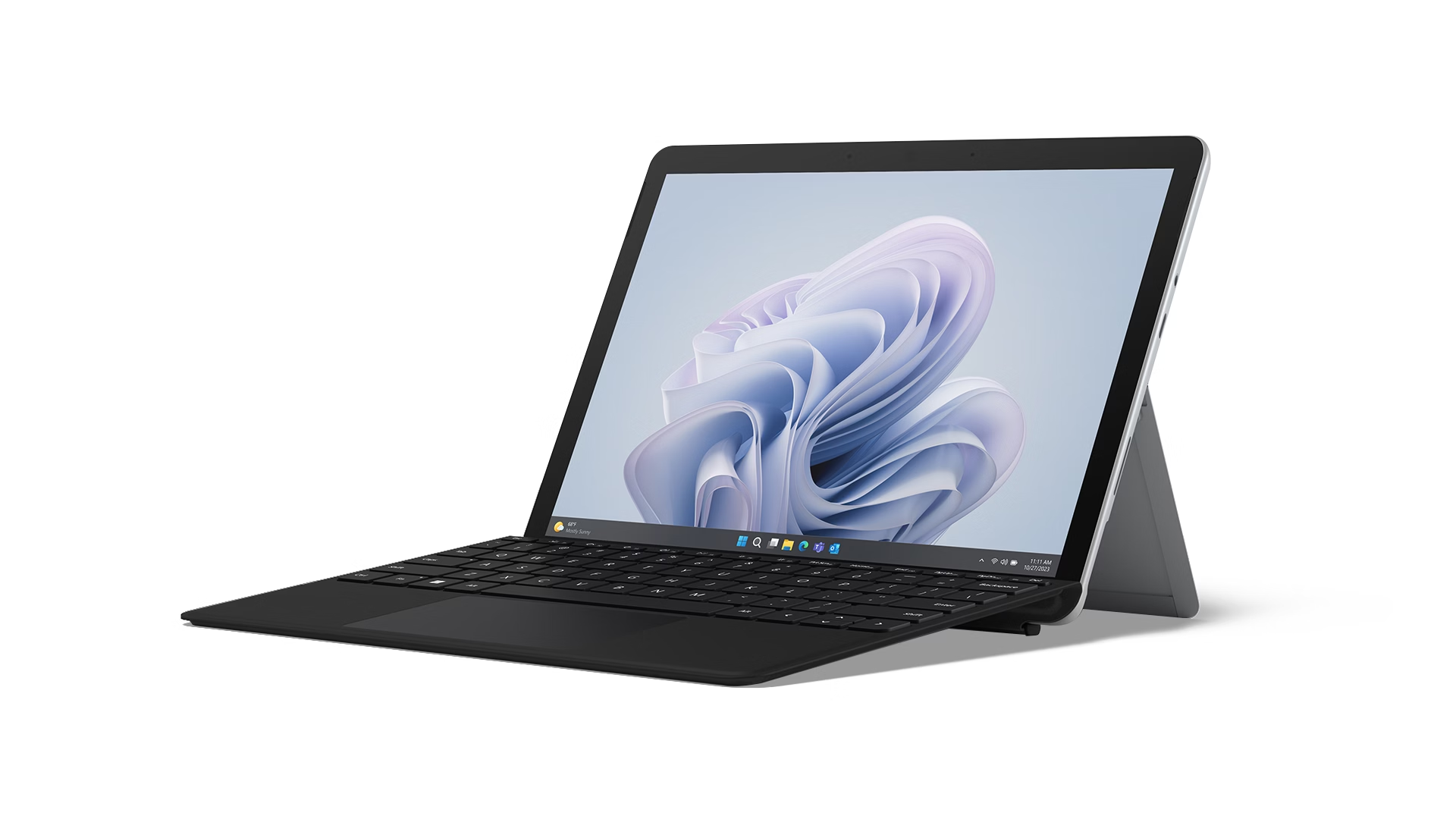
Microsoft Surface Pro & Go
Microsoft Surface Pro & Go brings ultra-portable 2-in-1 productivity with pen-first input and detachable keyboards.
View details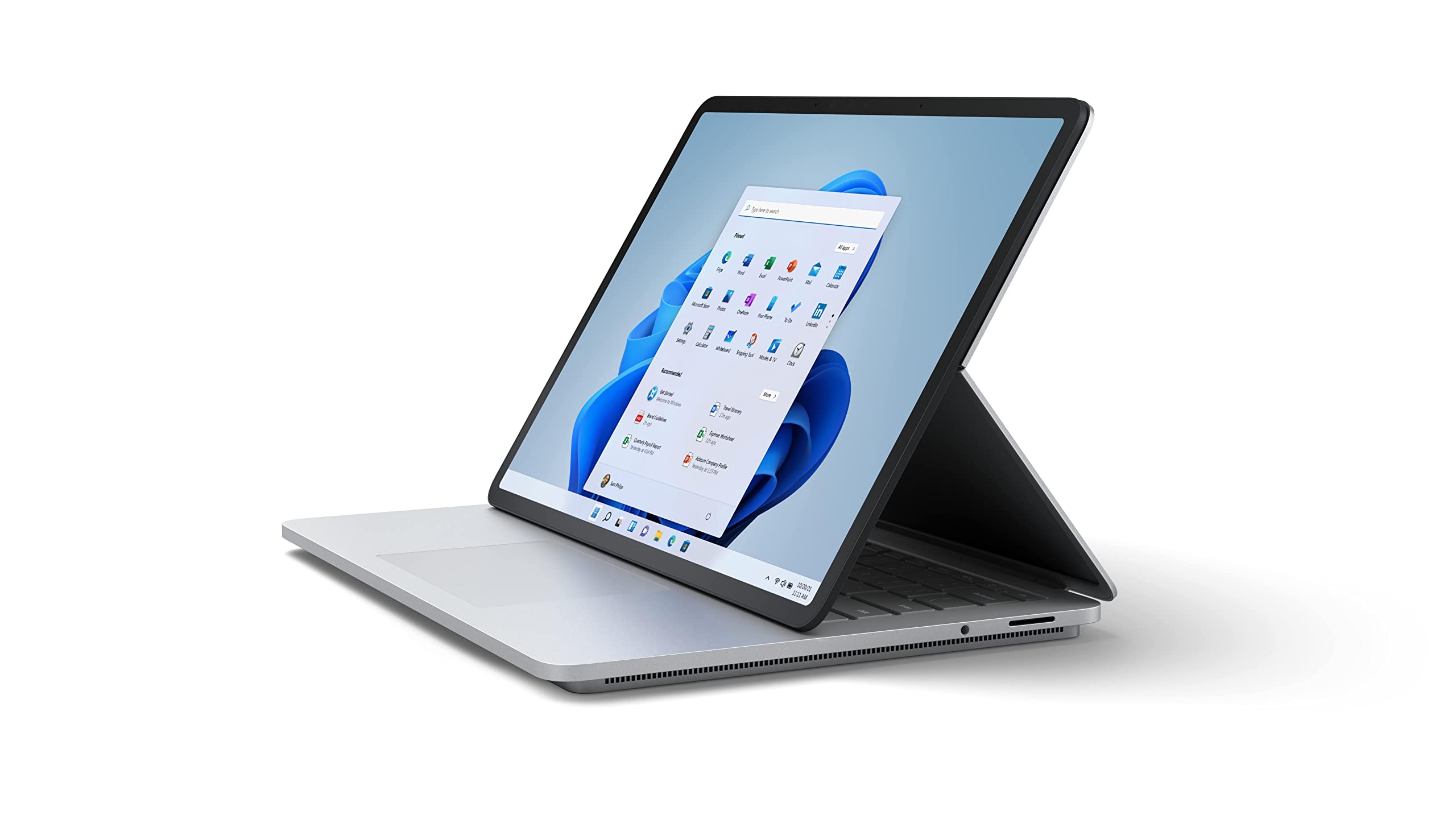
Microsoft Surface Laptop
Microsoft Surface Laptop provides premium clamshell productivity with touchscreen input for enterprise professionals.
View details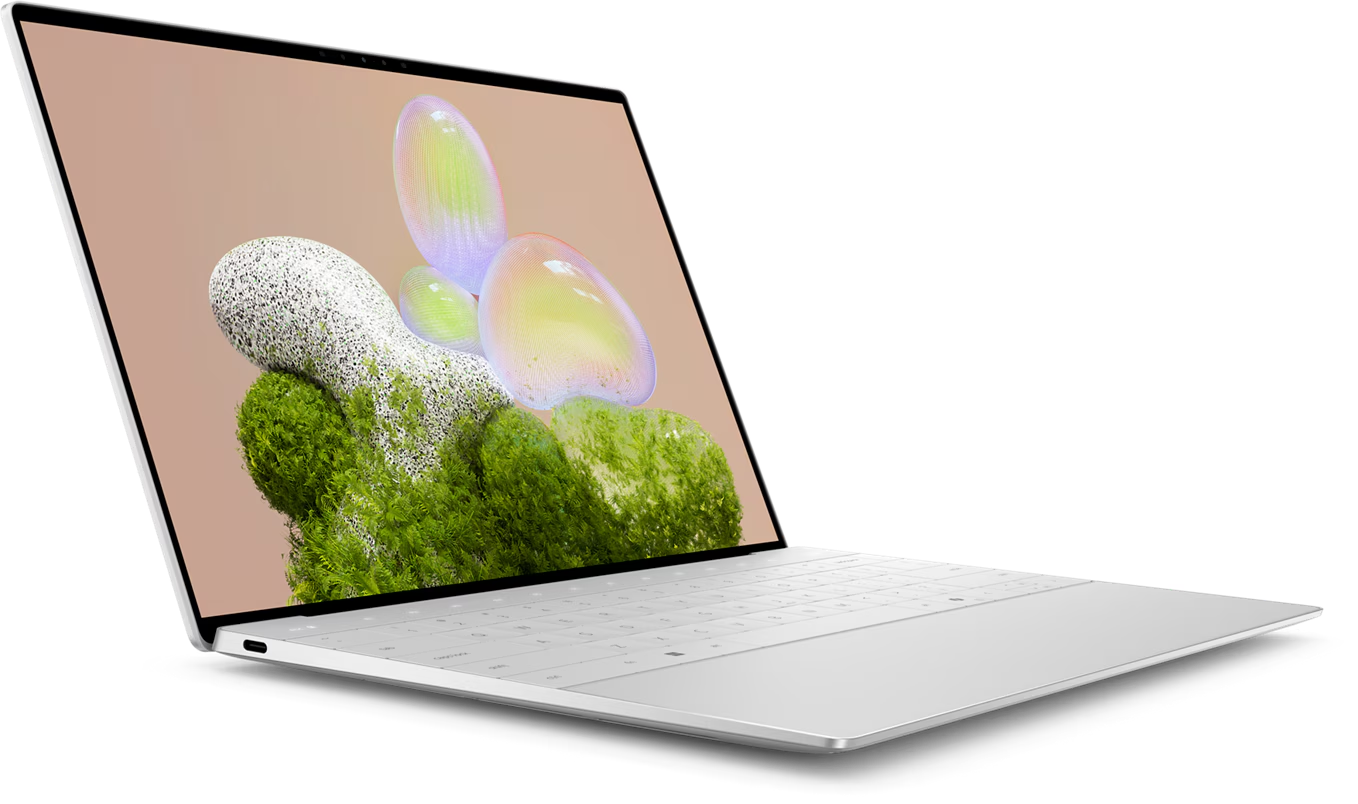
Dell XPS & Latitude Series
Dell XPS & Latitude Series delivers premium business mobility with enterprise security and manageability.
View details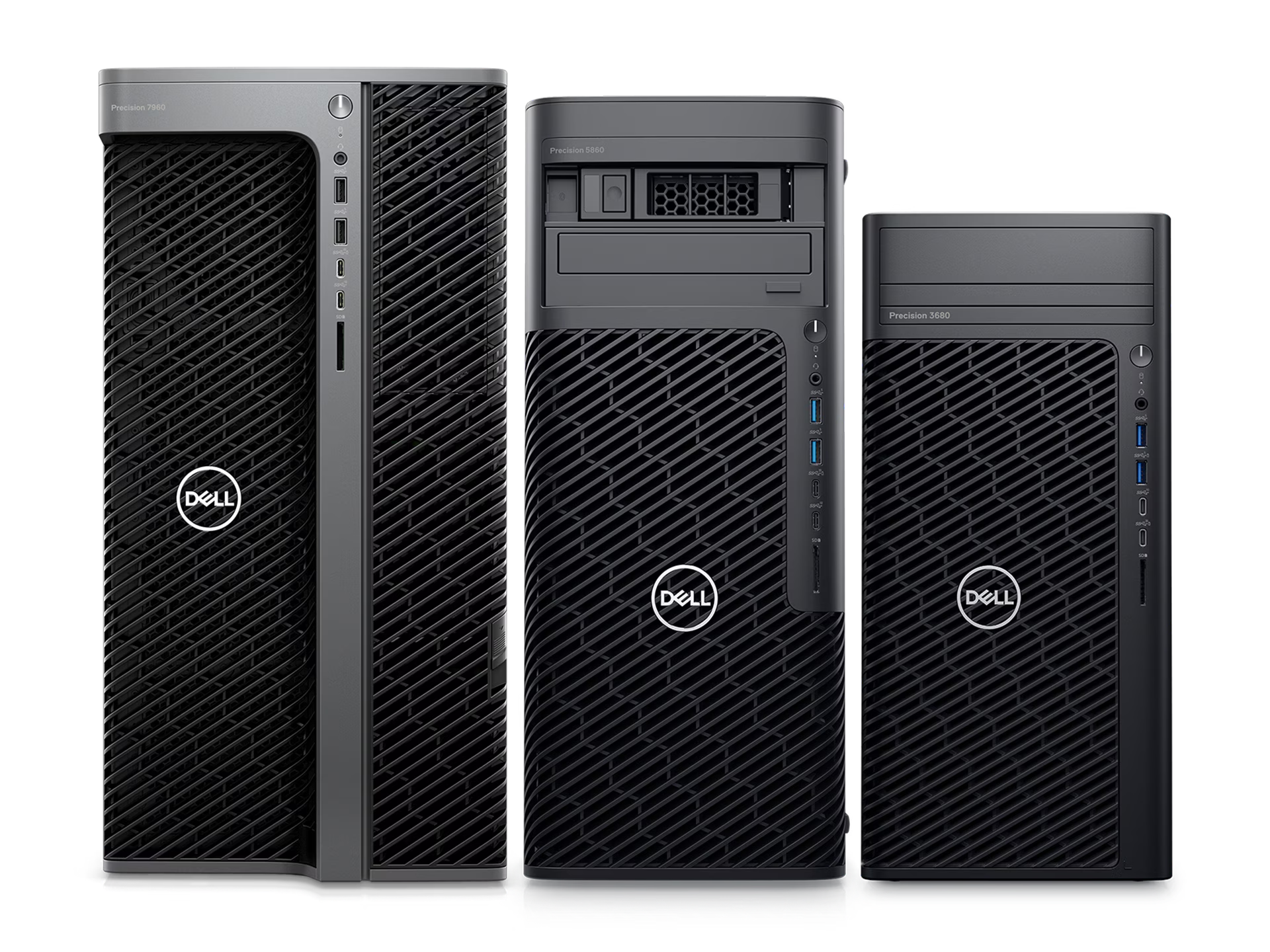
Dell OptiPlex Workstations
Dell OptiPlex Workstations provide enterprise desktop performance in flexible form factors for IT standardization.
View details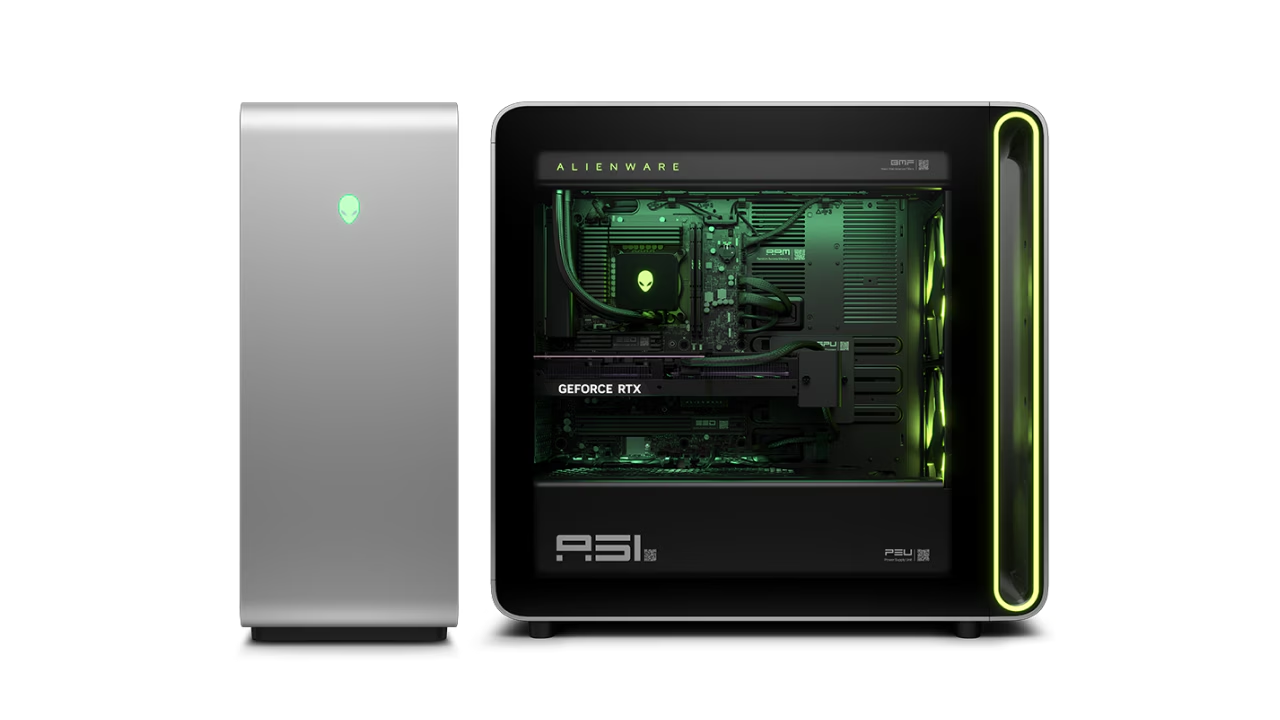
Dell Alienware Series
Dell Alienware Series targets high-performance gaming, simulation, and GPU-intensive creative workloads.
View details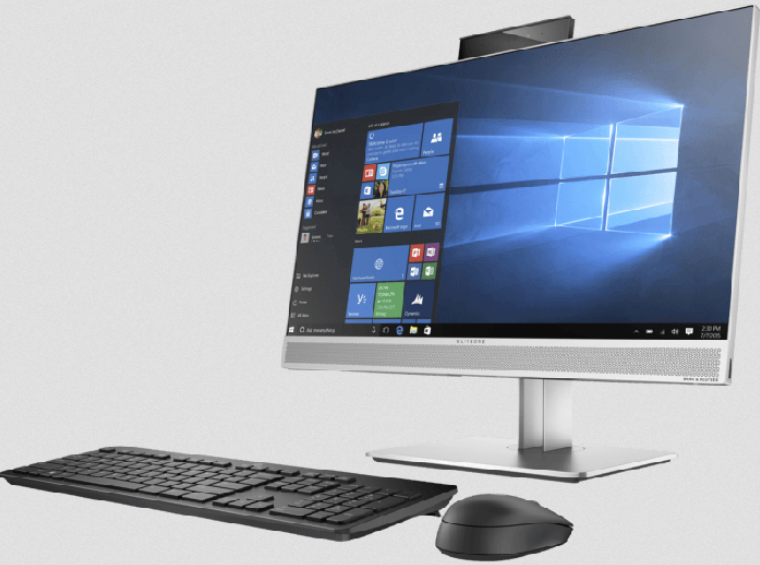
HP EliteBook Series
HP EliteBook Series offers premium business laptops with layered enterprise security and remote manageability.
View detailsNeed Help with Microsoft Surface Hub & Studio?
Request a quote with our best pricing and expert consultation from our UAE-based team.